Quick Start
Yomitomo is a local-first AI reading companion for desktop. It does not read on your behalf; instead, it accompanies you as you highlight, annotate, question, and discuss your reading materials. All articles, notes, discussions, provider settings, and API keys remain safely stored on your local machine.
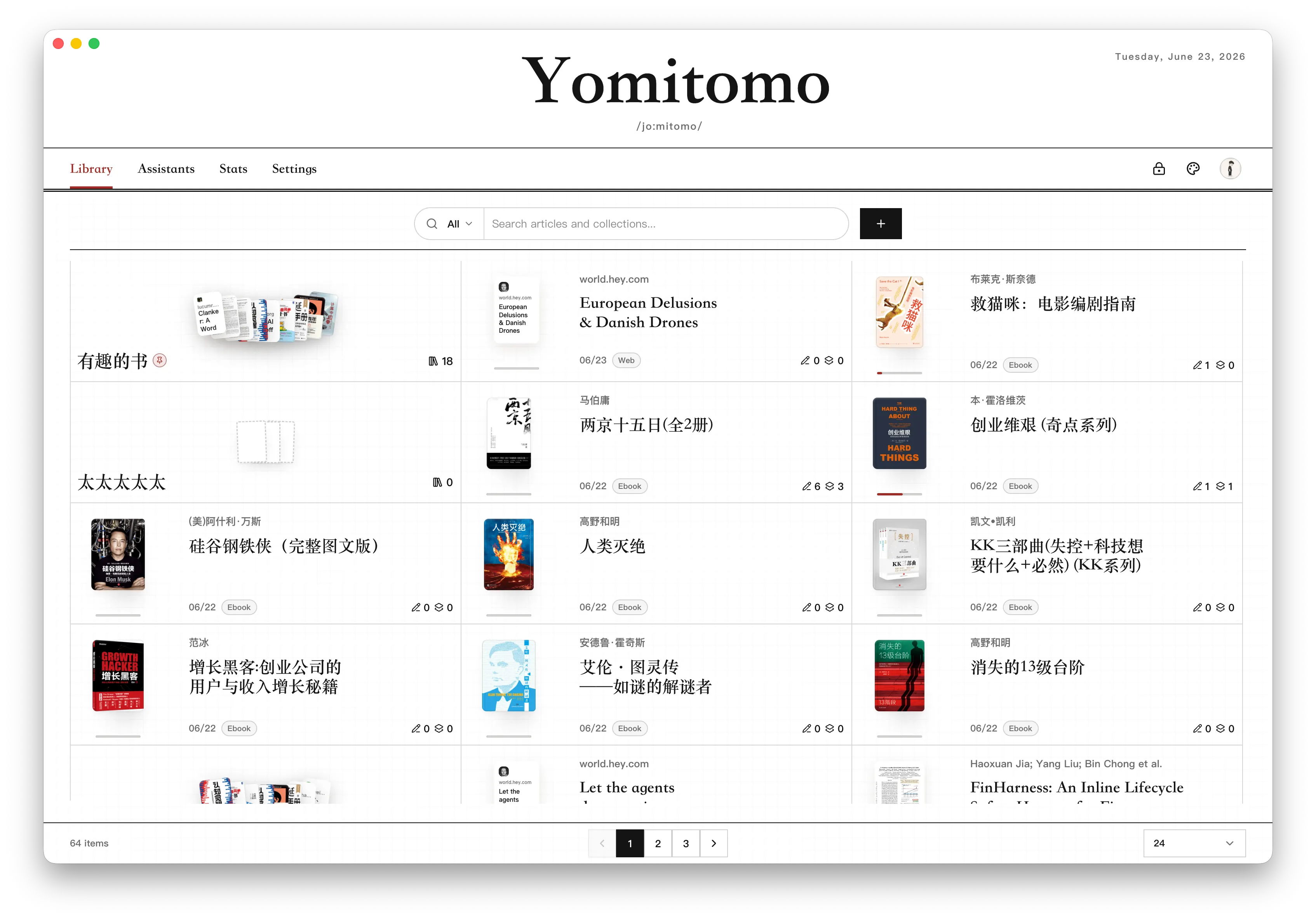
Getting Started
Section titled “Getting Started”- Launch Yomitomo and click through the welcome introduction.
- Go to Settings > Models and Routing.
- Add your preferred AI model provider, enter the API key, and test the connection.
- Assign task routes for reading comprehension, in-depth review, and bilingual translation.
- Return to the Library and import a web article, EPUB/AZW3/MOBI ebook, PDF document, or Markdown text.
You can switch display languages anytime in Settings. Product documentation is available in Chinese, English, and Japanese. To sync highlights, thoughts, and reading progress from WeRead, check out “Get a WeRead API Key”.
Core Product Areas
Section titled “Core Product Areas”Yomitomo is organized around several key modules:
- Library: Organize web articles, ebooks (EPUB/AZW3/MOBI), PDFs, Markdown/text files, WeRead highlights, and custom reading collections.
- Reader: Deep text reading, precise text anchoring, inline discussions, bilingual translation, and knowledge distillation (see “Distilled Notes and Review”).
- Assistants: Manage specialized AI reading companions and review assistants with tailored personas and prompts.
- Stats: Track local reading streaks, annotation trends, and activity heatmaps, or query synced WeRead statistics.
- Settings: Configure UI language, AI providers, themes, sound effects, App Lock, shortcuts, data backups, and privacy preferences.
- WeRead: Seamlessly sync your books, highlights, thoughts, and progress via official Skill credentials.
The Reading Philosophy
Section titled “The Reading Philosophy”Yomitomo is not built for generic summaries. It is designed to preserve your active train of thought:
- Highlights anchor your claims directly to source evidence.
- Thoughts capture your immediate, authentic reactions while reading.
- Discussions allow hypotheses to be questioned, challenged, and refined.
- AI Companions step in only when invited to stimulate deeper inquiry or co-reading.
Continue to “Library and Import” to bring in your first reading material.