Read PDFs and EPUBs with local AI: Yomitomo + Ollama setup
Yomitomo can send reading questions to an Ollama model running on the same computer. Configure an OpenAI-compatible connection at http://localhost:11434/v1, select a downloaded local model, and assign it to reading tasks. Your local model handles those AI requests; remote providers send the required context to their configured servers.
Maintained by the Yomitomo project, based on the v0.16.2 configuration and Ollama’s OpenAI compatibility documentation. This is a setup guide, not a hardware performance benchmark.
1. Prepare a local model
Section titled “1. Prepare a local model”Install Ollama and download a model while connected to the internet. For example:
ollama pull qwen2.5:7bollama run qwen2.5:7bThis tag is an example, not a universal hardware recommendation. Model size, quantization, context length and available memory affect whether a model fits and how quickly it responds. Use a model supported by your hardware and check it in Ollama first.
Choose a locally downloaded model rather than a cloud model if local inference is your objective. A localhost endpoint alone does not prove that the selected model runs locally.
2. Connect Yomitomo
Section titled “2. Connect Yomitomo”In Settings > Models & routing, add a provider using the OpenAI Chat Completions protocol and configure:
| Field | Value |
|---|---|
| Name | Ollama local |
| Base URL | http://localhost:11434/v1 |
| API Key | ollama as a placeholder for the local server |
| Model | The exact installed tag, such as qwen2.5:7b |
Fetch the model list or add the model manually, test the connection, then save. Choose this provider and model as the default. Check any task overrides so reading and review requests use the intended local model. Start with Fast response; tool-based workflows also depend on the model’s capabilities.
3. Try one passage
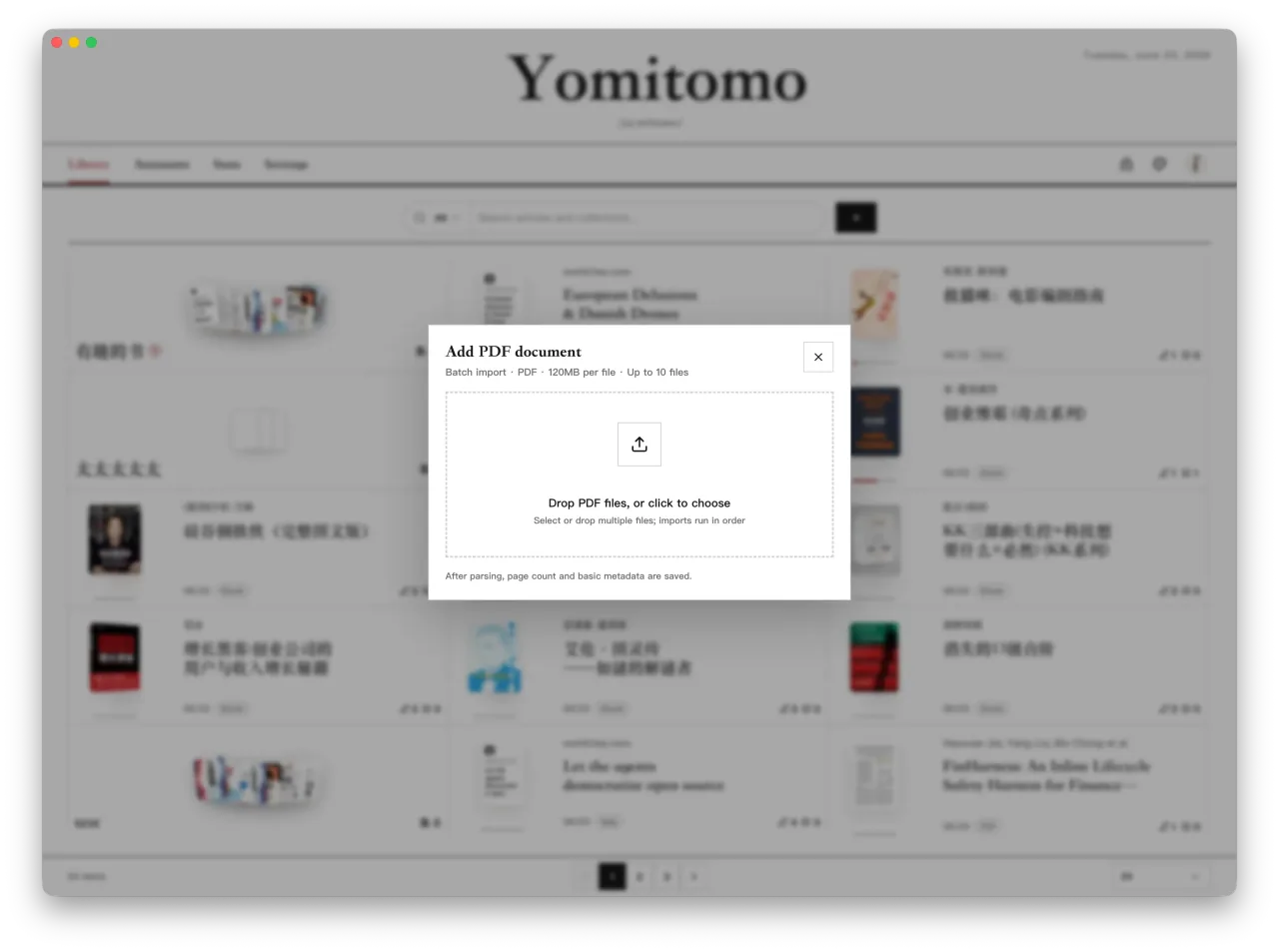
Section titled “3. Try one passage”- Import a local text-based PDF or EPUB from the library’s add menu.
- Open it and select a short paragraph.
- Create a highlight with
A, open its discussion, and mention a reading assistant. - Ask a question with a verifiable answer, such as which sentence supports the author’s conclusion.
- Compare the reply with the source before saving your own note.
Scanned PDFs may need OCR in another tool before their text can be selected. There is no need to test the setup with sensitive material.
What works offline?
Section titled “What works offline?”Previously imported documents, manual notes and a compatible downloaded local model can be used without a cloud model API. Download the application and model weights first, then verify your intended reading task with the network disconnected.
Web imports, WeRead sync, update checks and model downloads require network access. Yomitomo also has optional anonymous usage metrics in settings, and it periodically fetches a public model pricing catalog from models.dev. Connecting Ollama does not disable these features or make the computer physically isolated. See settings and data for model routing and telemetry controls.
Troubleshooting
Section titled “Troubleshooting”| Symptom | Check |
|---|---|
| Connection refused | Ollama must be running on the same computer at the configured port. |
| Model not found | Match the full installed model tag, including its size suffix. |
| Slow replies or out-of-memory errors | Try a smaller model and shorter context; close other memory-intensive applications. |
| Basic replies work but review or tools fail | Model capabilities vary. Try Fast response and a model compatible with the requested task. |
| A request still goes to a remote provider | Check the default model and every task override. |
Local inference can consume substantial memory, power and GPU time. We do not promise a fixed tokens-per-second rate or negligible battery use.
Download Yomitomo and try reading with a local model. For everyday annotation controls, see the reader guide.